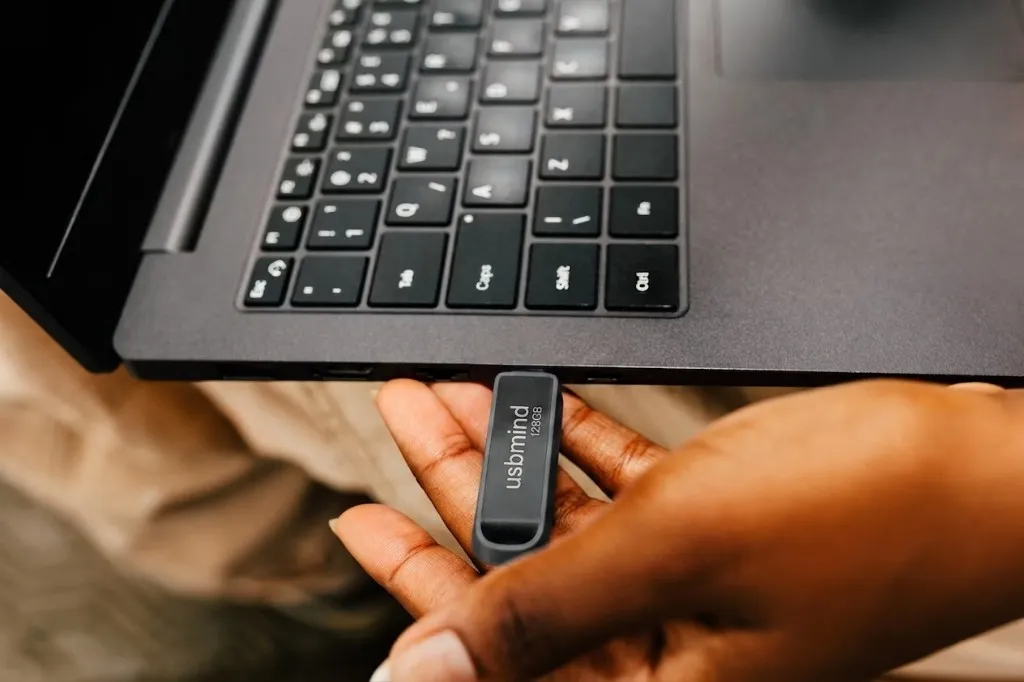
AI. Off the grid.
Intelligence that doesn't need a signal. USBMind is a setup service, not a subscription and not a hardware line. We install a private, offline AI assistant on a USB drive — a chat model, your own documents, and offline translation.

Foundations
What the machine needs
RAM, CPU, and OS tiers for the stack we install. Cells stay empty until a configuration has been tested.
RequirementsBenchmarks
What we measure
Tokens per second, RAM, and cold start on real hardware — posted as individual write-ups.
All resultsHow a setup works
How it works01
Send a drive, or use one of ours
Mail us a USB stick you already own, or ask us to supply one. Same setup either way.
02
We install and test
We put Ollama and AnythingLLM on the drive, load a chat model, and check that documents and translation run offline.
03
We send it back
We ship it to you, or hand it over. No account to create. Nothing of yours stays with us.
04
Plug it in
Windows, Mac, or Linux. Open AnythingLLM on the drive and work without a network — chat, your files, translation.
Built for three operating systems
Windows
Plug in and open AnythingLLM
The drive mounts as a volume. Open the AnythingLLM app on the stick — the model runs locally through Ollama, with no account and no cloud.
macOS
Same stack, on Apple Silicon or Intel
Plug it into any USB-C port. AnythingLLM talks to Ollama on the drive so chat, documents, and translation stay on the machine.
Linux
No systemd service, no Docker required
Mount the drive and run the stack from there. No extra packages, no containers — Ollama and AnythingLLM on the stick.